Choose when Lyngo answers
Use Lyngo after hours and during busy periods, or keep it on 24/7. It answers every call and loops in your team when needed.
Answers every patient call, books into your calendar, and handles enquiries, all without changing your phone number or your workflows.

Use Lyngo after hours and during busy periods, or keep it on 24/7. It answers every call and loops in your team when needed.
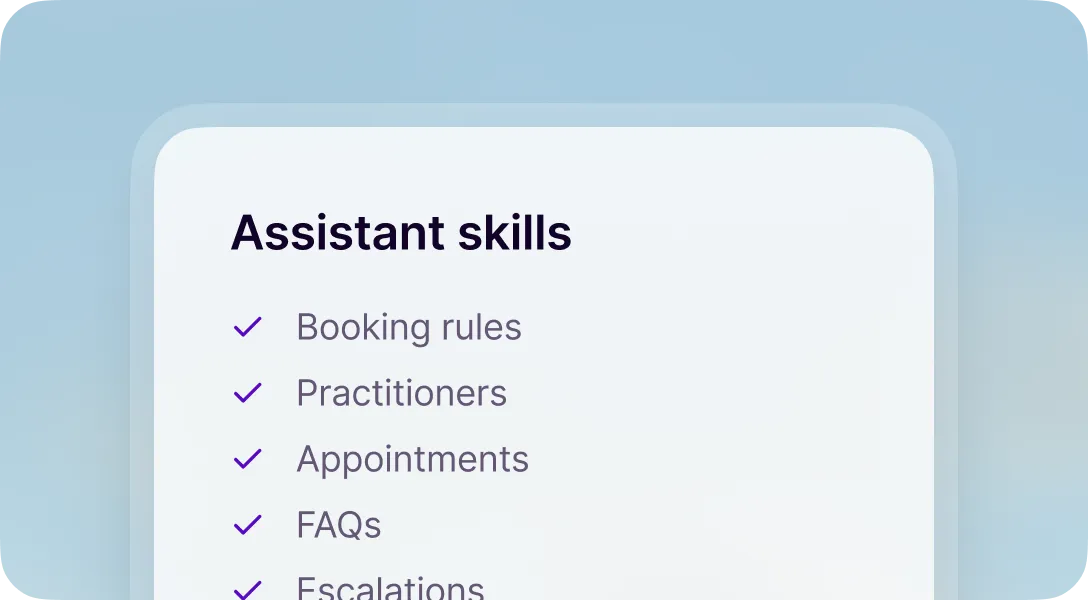
Knows your practitioners, treatments, pricing, and policies so patients get a useful answer.
New service? Policy change? Add it to your dashboard and Lyngo knows it from the next call.
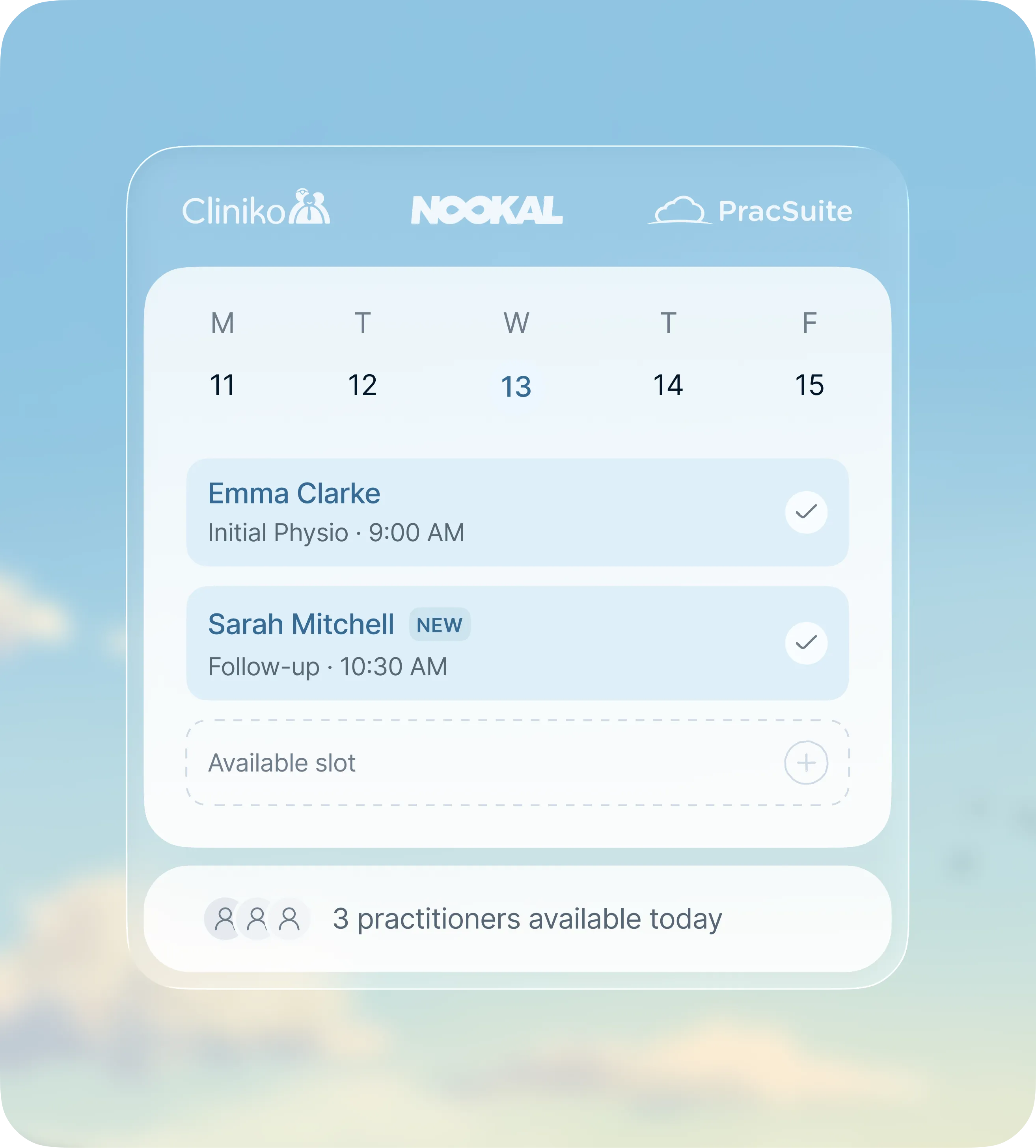
Books patients into the right appointment slot.
Moves appointments without back-and-forth.
Finds the right appointment type for first-time callers.
Helps returning patients book, move, or cancel appointments.
Cancels appointments and keeps your calendar up to date.
Works across different sites, practitioners, and booking rules.
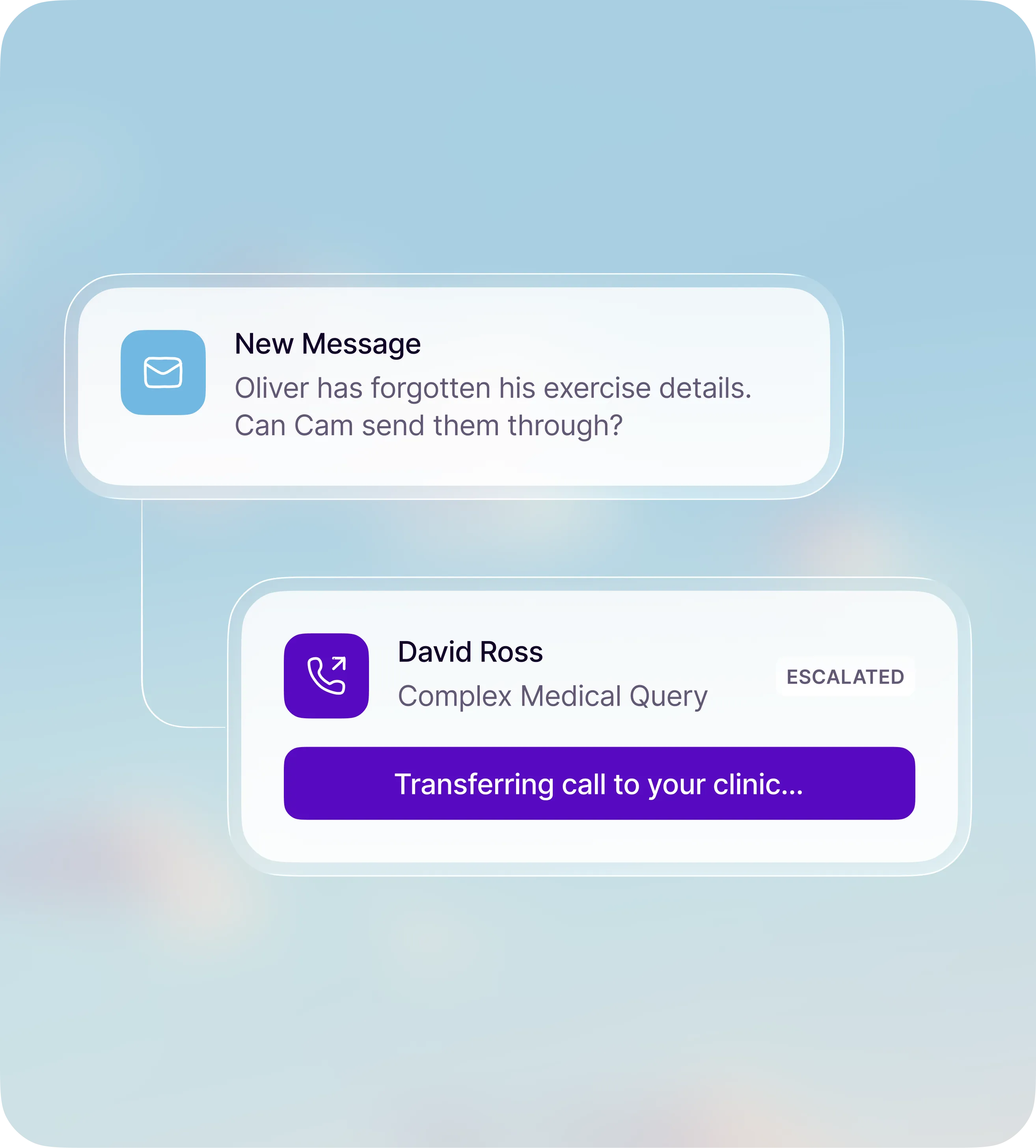
Urgent, sensitive, or complex calls can be put straight through to the right person.
Exercise details, treatment follow-ups, referral questions, or appointment-specific notes, Lyngo captures what they need and emails it to your team.
Anything clinical, financial, or outside its scope is transferred or sent to your team for follow-up.
Forward calls when you want cover.
Collect deposits or required payments.
Support locations, practitioners, and services.
Set instructions for how calls are handled.
Follow booking windows, durations, and exceptions.
Choose a familiar voice for patients.
Answer patient messages on WhatsApp.
Answer patient questions on your website.
Cover campaign numbers as well as your main line.
Every call logged and analysed. See what your patients are calling about, and if something needs following up, Lyngo nudges your team.
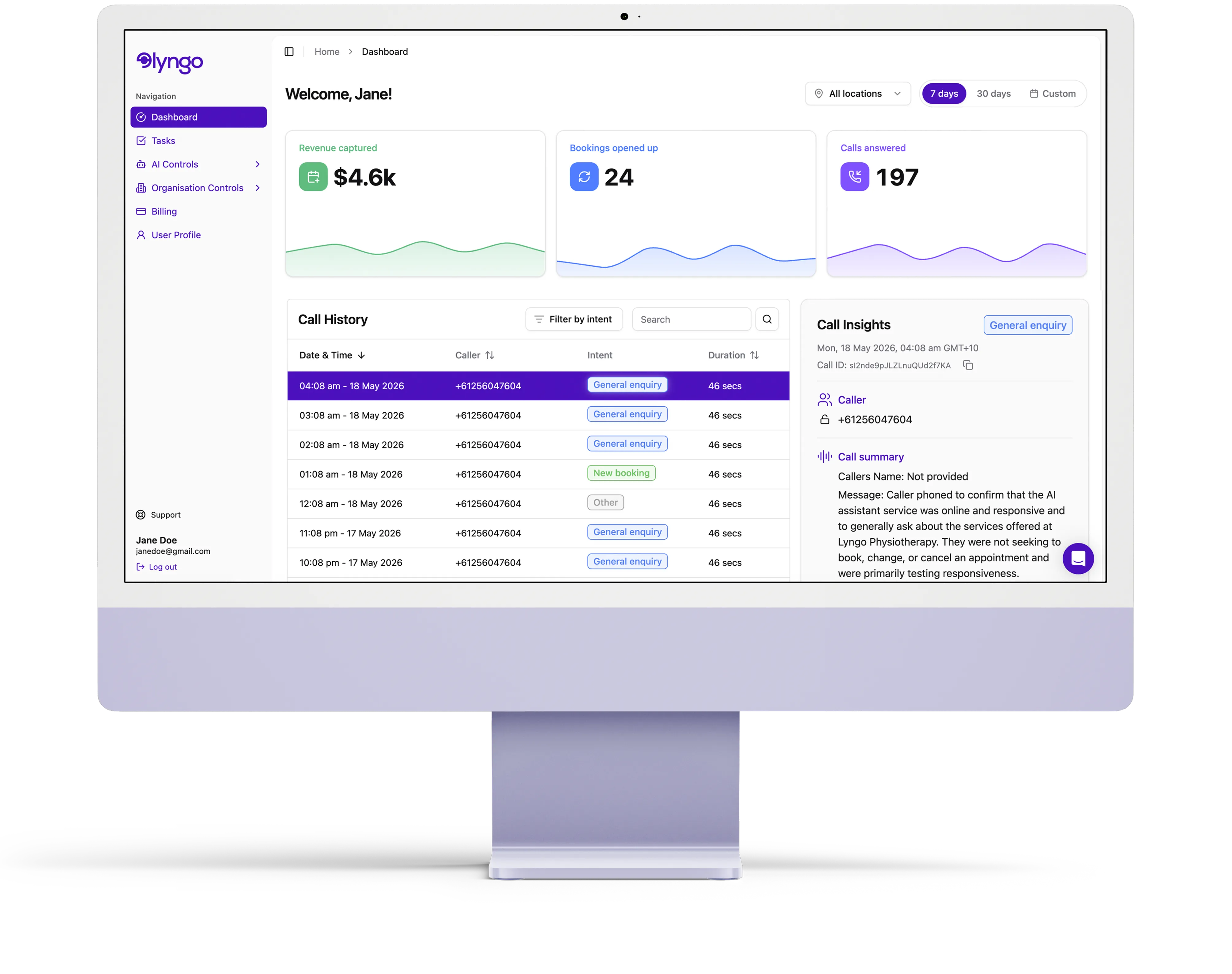
Every call recorded and summarised.
Know why each patient called.
Nudges your team when follow-ups are needed.
How do I start?
Connect your practice software and website, and our team of experts handles the rest.
1
Click get started and follow the steps to connect your practice software. That is your part done.
2
Our experts train your assistant using your website and practice management software.
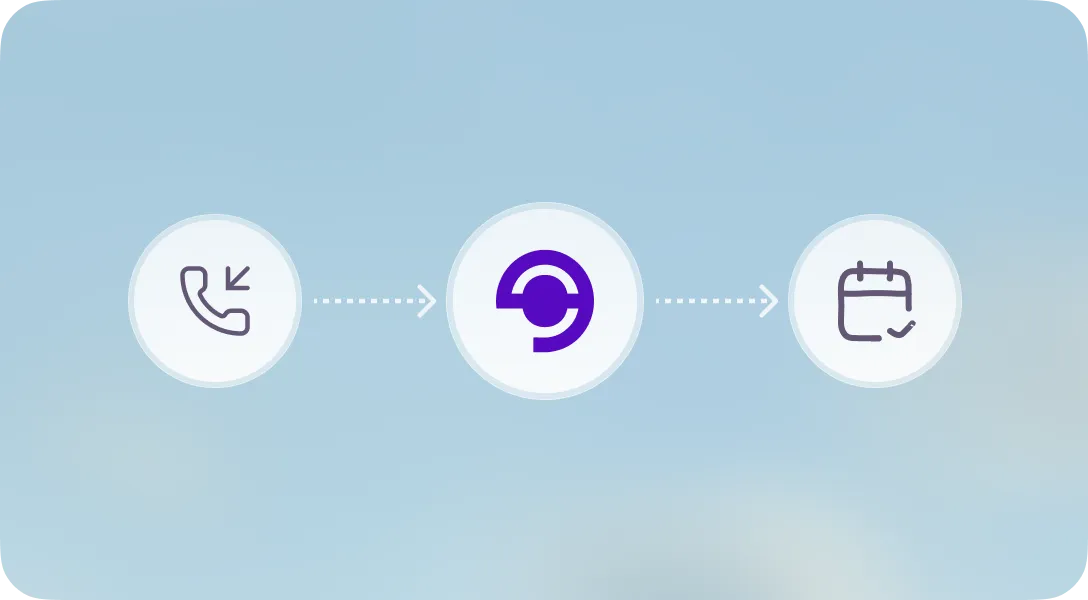
3
You receive access to your assistant and the Lyngo portal. Forward your calls and you are live.
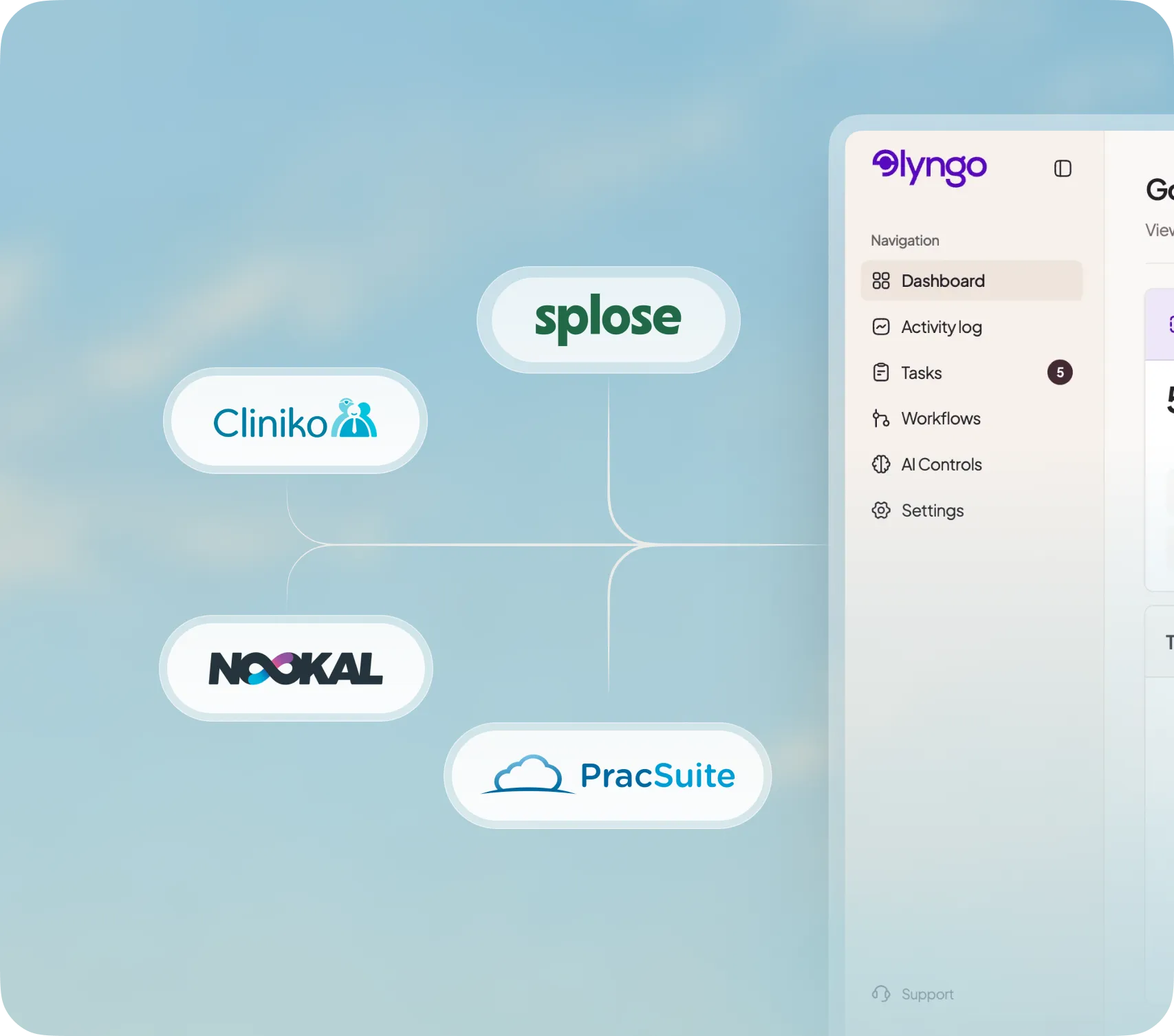
Integrations
Lyngo is trained to use your practice management system.
Who it's for
FAQ
Lyngo answers patient calls in your clinic's voice, understands what the caller needs, and handles bookings, reschedules, cancellations, FAQs, or messages based on your clinic rules.
Lyngo picks up, works out the reason for the call, checks your clinic information and practice software, then either completes the task or passes the right context to your team.
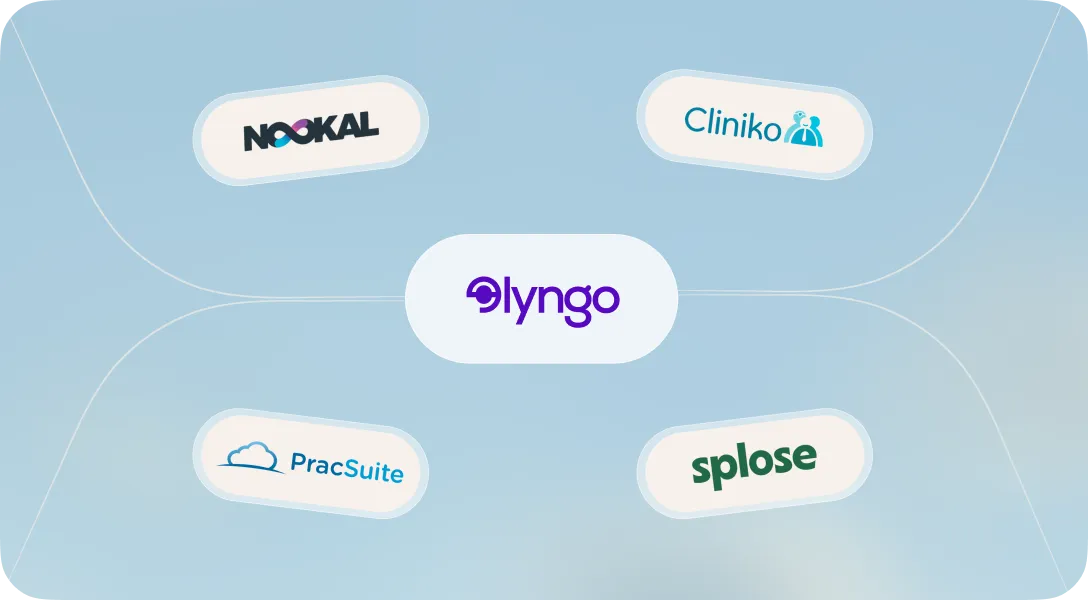
Lyngo connects directly with Cliniko, Nookal, PracSuite, and Splose. It can read live availability, appointment types, practitioners, and booking rules from supported systems.
No. You keep your existing phone number and forward calls to Lyngo when you want cover. Patients keep calling the same number.
Connecting your practice management software takes about 3 minutes. From there, Lyngo's team configures your assistant, trains it on your clinic, and prepares everything for go-live.
Lyngo is trained to recognise calls that need your team. It can transfer the call, take a detailed message, or send a summary for follow-up based on how you want the clinic covered.
Still have questions? Contact us
Run a calmer clinic and grow 24/7.