The call is answered
Lyngo answers in your clinic's voice and understands whether the patient needs a booking, reschedule, cancellation, FAQ, or message.
Join 1,500+ clinicians delivering better care
Never miss a booking. Lyngo answers every call, books directly into PracSuite in real time, and handles reschedules and cancellations. Day and night, without extra staff.
PracSuite integration
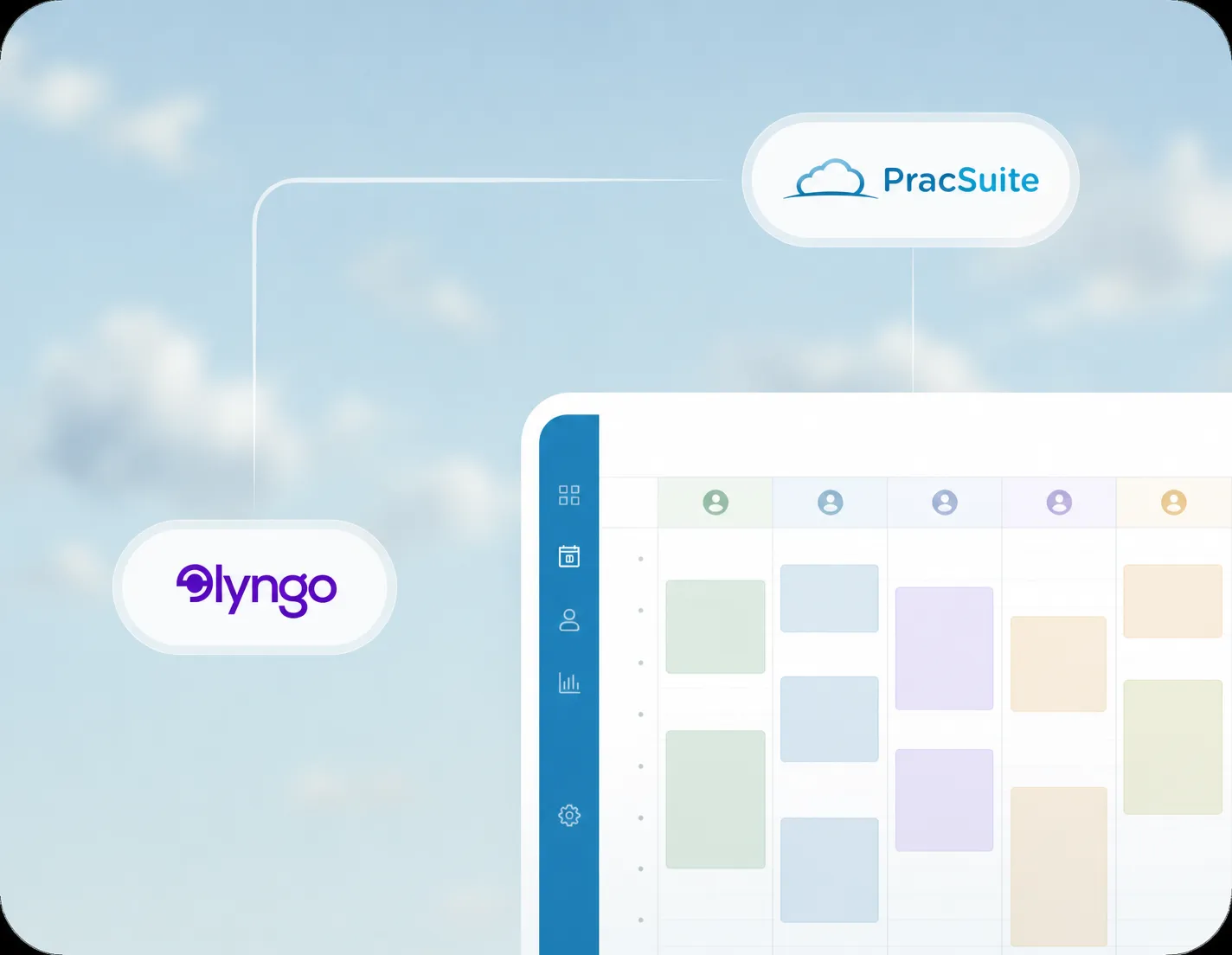
Lyngo's AI receptionist connects to PracSuite so calls, bookings, reschedules, and cancellations can be handled without your team manually checking the calendar.
Lyngo answers in your clinic's voice and understands whether the patient needs a booking, reschedule, cancellation, FAQ, or message.
Lyngo reads your live PracSuite calendar, appointment types, practitioner availability, and booking rules before offering times.
Bookings, reschedules, and cancellations are written back to PracSuite so your calendar stays accurate.
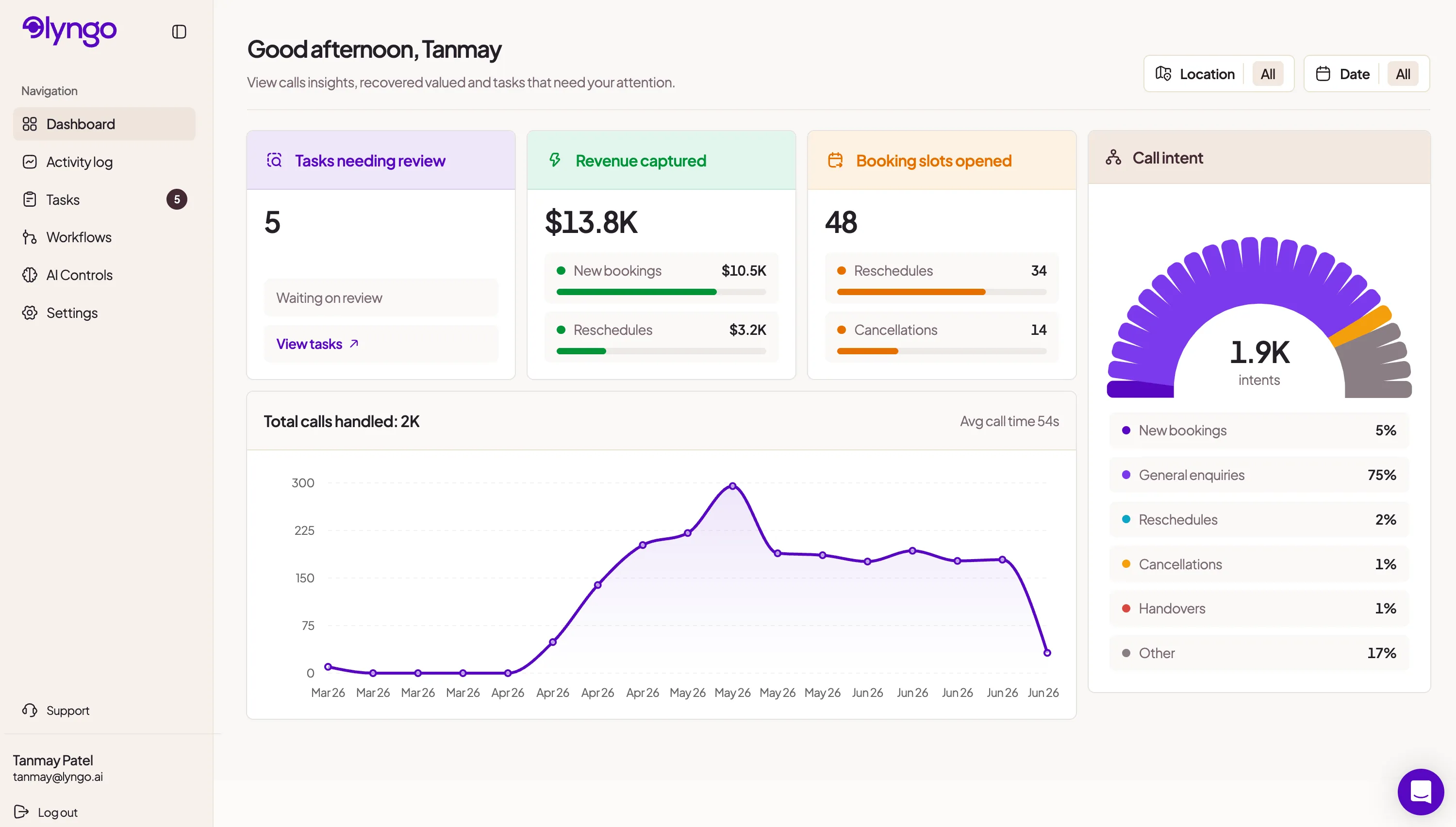
Every call is summarised, with important details passed to your team when a human follow-up is needed.
PracSuite calendar integration
New bookings, reschedules, cancellations, FAQs, and urgent handoffs. Lyngo handles the call and keeps PracSuite up to date.
Reads your live PracSuite availability to book, reschedule, or cancel in real time. No double-bookings. No manual follow-up.
Fees, parking, cancellation policy, what to bring. All answered accurately from your clinic's information, every time.
When a call needs a human, Lyngo can take a detailed message or transfer it to your team so nothing falls through the cracks.
How it works
Our team handles the entire setup, so your time isn't wasted.
1
Authorise Lyngo to read your calendar, appointment types, practitioners, and patient records. Takes about three minutes.
2
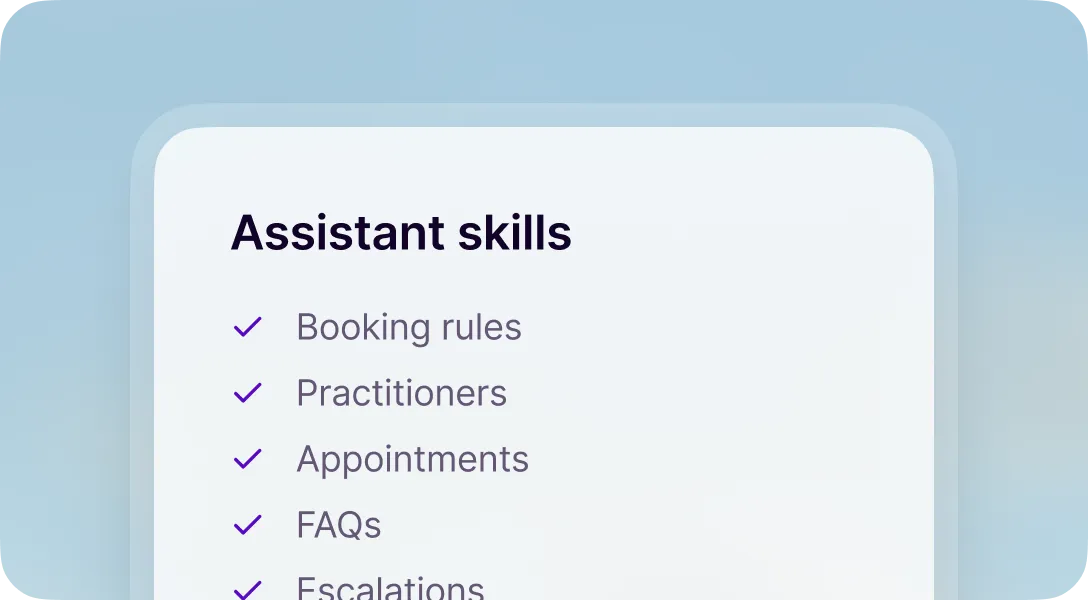
Our team configures your booking rules, practitioner preferences, and FAQ answers. You review and sign off. Nothing goes live without your approval.
3
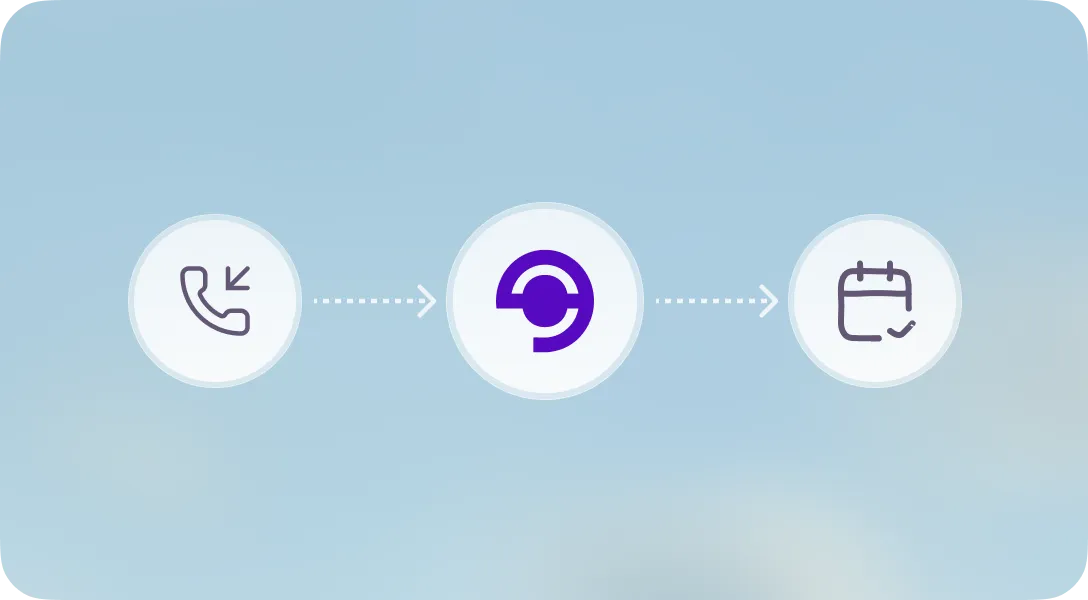
Calls hit Lyngo, bookings land in PracSuite. Your team gets a summary of every call. Your front desk gets their time back.
AI phone answering

Patients can call after closing, on weekends, or during lunch and still get helped.
When your team is with a patient or processing a payment, Lyngo picks up and keeps the day moving.
Fewer interruptions, fewer missed calls, and fewer messages waiting for your team.
More to explore
See how Lyngo connects with practice management software.
See how Lyngo answers calls and books appointments.
Explore Lyngo for allied health clinics and specialties.
AI phone answering for clinics across Australia.
AI phone answering for clinics across the UK.
AI phone answering for healthcare clinics.
FAQ
Yes. Lyngo connects directly to PracSuite to read your live calendar, appointment types, and practitioner availability. It books, reschedules, and cancels appointments in real time, with no manual entry required.
That's exactly what it's built for. Lyngo answers every call 24/7, including evenings, weekends, and public holidays. Appointments go straight into PracSuite so your team arrives to a full schedule every morning.
Yes. Lyngo reads your practitioner list from PracSuite and books patients with the right person based on your rules: by availability, specialty, or patient preference. It checks live slots before confirming.
Yes. Lyngo is built for healthcare. We're GDPR compliant (UK/EU), aligned with the Australian Privacy Principles, the NZ Privacy Act, and PIPEDA (Canada). Patient data is encrypted in transit and at rest.
About 3 minutes of your time. You connect PracSuite, answer a few questions about your clinic, and our team takes it from there. That includes configuring your booking rules, training Lyngo on your services, and handling everything before go-live. We aim for a 1 to 2 business day turnaround.
Lyngo knows when to step aside. If a call needs your team, it transfers the call, sends a summary email, or takes a message, based on how you've set it up. Nothing slips through.
Still have questions? Contact us.
PracSuite integration
AI phone answering